Trade secrets and R&D
Formulas, designs and product plans that define your advantage.
LOCAL AI / MAC MINI & MAC STUDIO
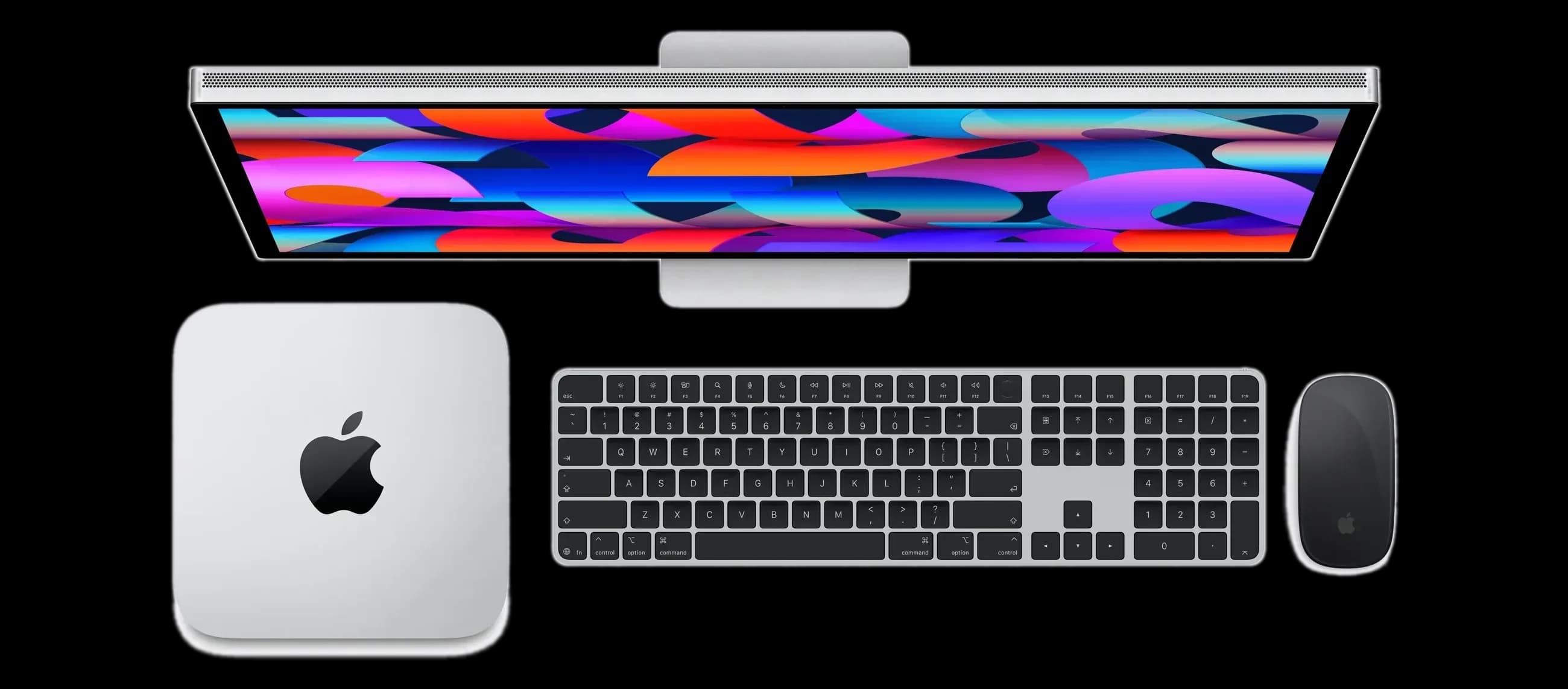
Run open-weight language models on a Mac mini – or a Mac Studio for even more compute – in your office or data centre, connected to 48°. Your most sensitive documents stay on-site; your teams keep working in the same platform.
WHY IT MATTERS
EU hosting covers most work. But for some information, any external processing is one step too far – by law, by contract or by policy.
Formulas, designs and product plans that define your advantage.
Records where even an encrypted transfer needs extra approval.
Privileged documents, M&A files and board papers.
HOW IT WORKS
Your Mac mini or Mac Studio runs the model, the storage and the search index on-site. 48° decides what runs where.
ON YOUR NETWORK
An open-weight language model, local document storage and a local search index run on the hardware inside your network.
CONNECTED TO 48°
Workspaces, assistants or document collections you mark as local are answered only on your own hardware. Everything else can keep using the EU models – in the same 48° workspace.
Explore ChatMANAGED FOR YOU
We set up the hardware, install the models and keep them updated. Usage shows up in Control Tower like every other model.
Explore Control TowerCAPABILITIES
The same 48° experience, with the model and the data on hardware you control.
Proven open models, selected and sized for your use cases.
Documents and the search index stay on the device.
Local workspaces never send content to external services.
Chat, Editor and assistants – your teams do not switch tools.
Roles, permissions and usage in Control Tower, as everywhere in 48°.
Add units or step up to Mac Studio as more teams and documents come on board.
THE HARDWARE
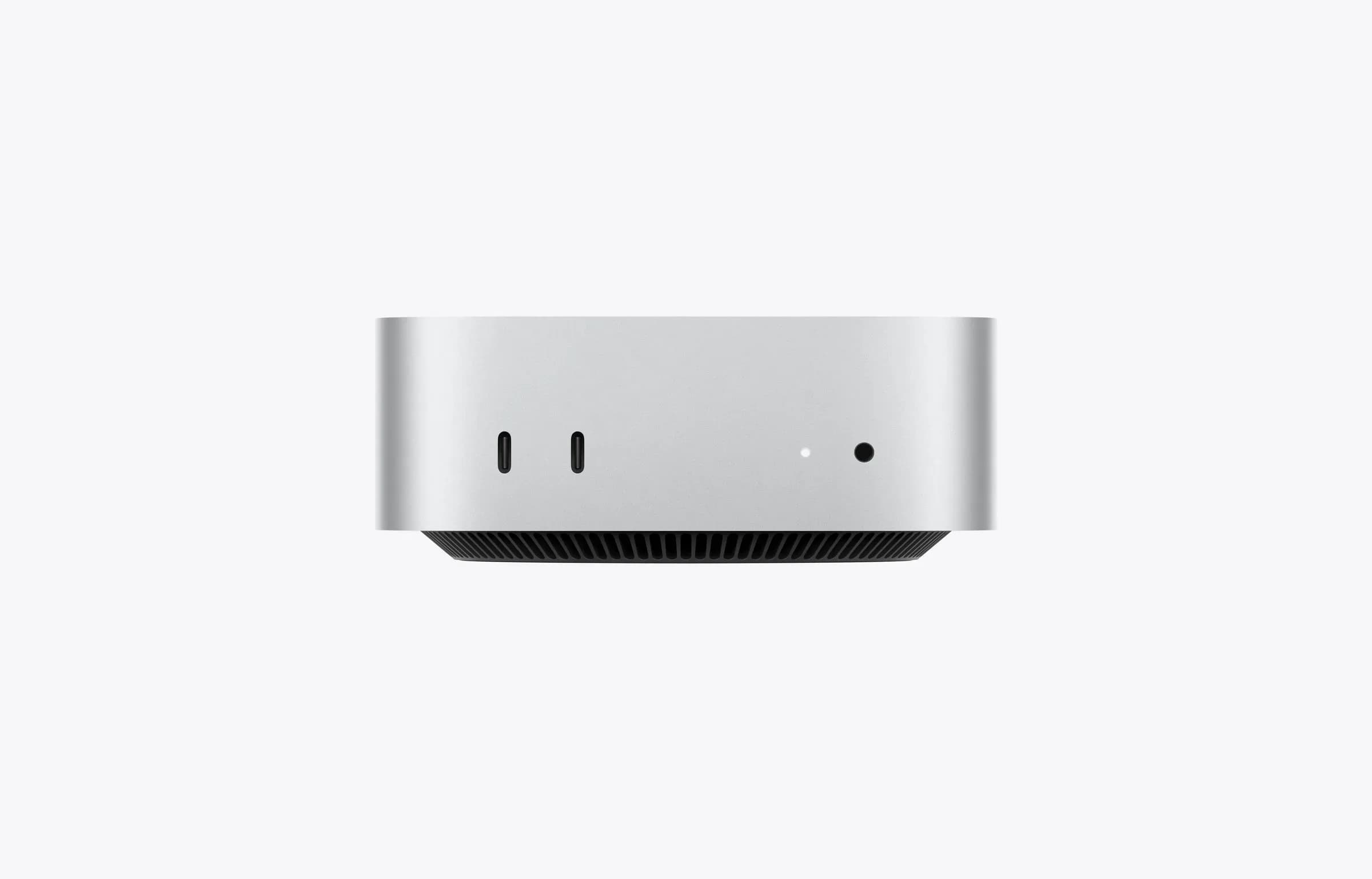
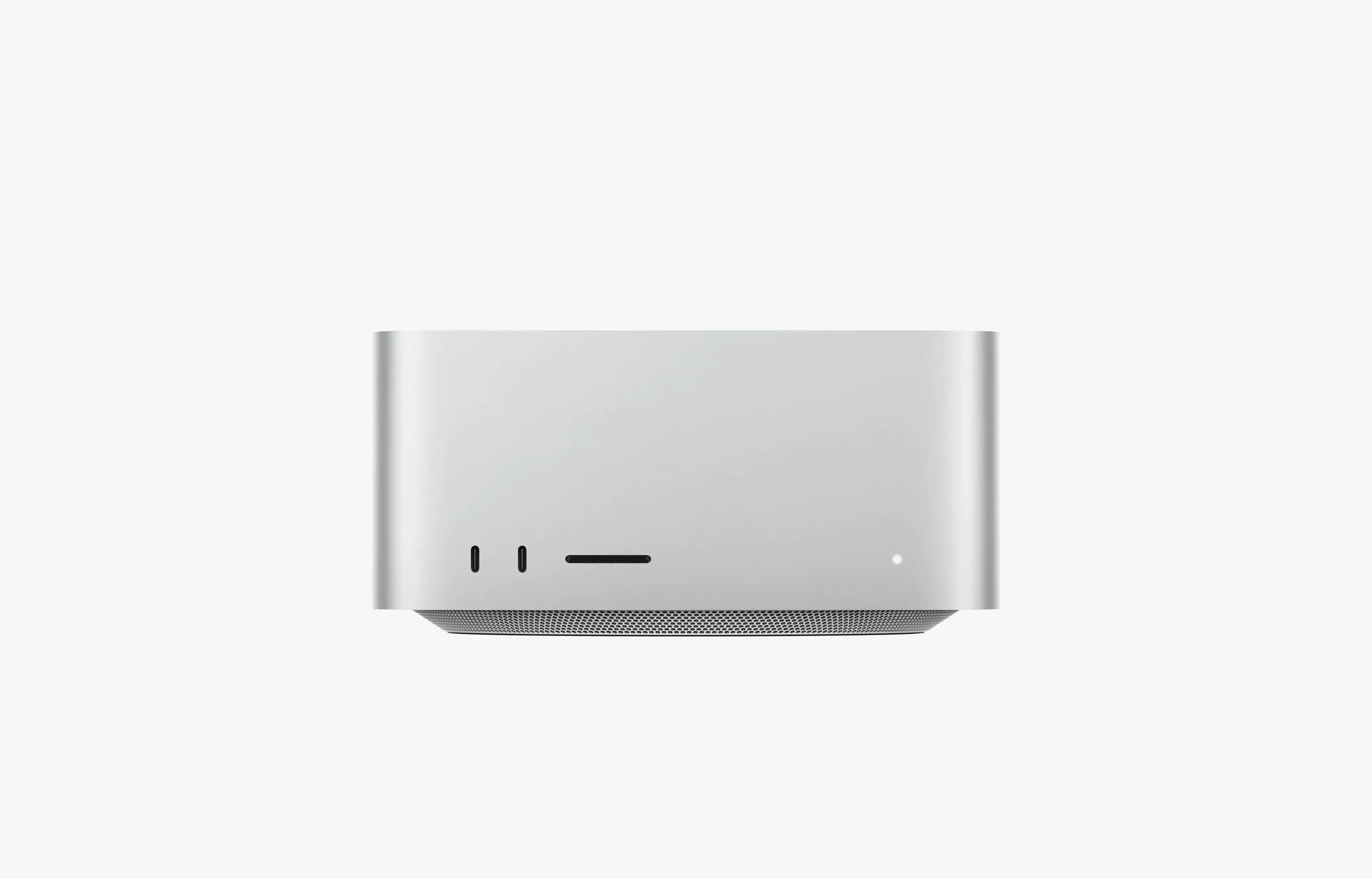
Compact, quiet and energy-efficient – on a shelf or in a server rack, without a dedicated data centre. We help you choose and size the setup.
For a team or a department: everyday work with models sized for documents, chat and assistants.
For even more compute and memory: larger models, more users at once and heavier workloads.
SECURITY
Model, storage and index run on hardware in your premises.
48° itself is European-owned and runs in the EU.
You decide which teams and collections are local-only.
FAQ

LOCAL AI
We help you decide which data belongs on-site and set up Local AI next to your 48° workspace.